
Welcome to Tamaam
Understand the workspace, the people in it and how your client work connects.
On this page
About the current product preview
These guides describe Tamaam’s current product preview. Website reading, service connections and team invitations are demonstrated in the preview; live delivery and syncing are not available there.
One workspace for the team
A workspace is your company’s shared place for client conversations, sales, delivery and money. Each person signs in with their own account. What they can open depends on their role, the records assigned to them and their access to client mail.
A client connects the relationship to its projects, conversations and invoices. A project connects the delivery plan to its tasks and people. Open a linked record to read its own details rather than treating a summary as the whole story.
Where the work lives
- Hub brings the day, attention items and Nefer’s prompts together.
- Inbox holds conversations and the context behind a reply.
- Leads and Deals follow an enquiry through the commercial decision.
- Clients and Contacts hold the company and the people you work with.
- Projects, Tasks and Calendar organize delivery, responsibilities and dates.
- Finance holds the money; Documents and Forms hold documents and client inputs.
Choose your starting point
- Setting up the company?
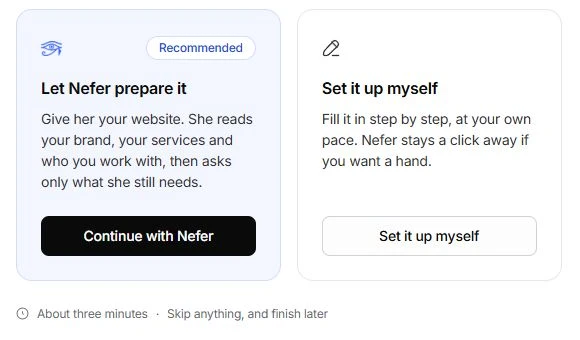
Follow Set up your workspace. The owner prepares the company’s details, brand, services and team.
- Joining someone else’s team?
Follow Join an existing workspace. Use the invitation you received and complete your own profile and setup.
Work with Nefer
Nefer reads across the work to explain context and prepare a next step. Inspect the source records behind an answer. Review drafts and proposals before approving them; a suggested action is not the same as a completed action.
Start with Getting started, then move to the records you are responsible for. You can return to setup without repeating everything you already completed.
Reviewed by the Tamaam product team against the Block 5 product preview. If a screen or step changes, tell us below.
Was this article helpful?
Need help with your workspace?
A support request lets the team reply to you directly.
Get help with this article