
A time or event looks wrong
Check periods, zones, hidden sources and read-only access before changing or duplicating events.
On this page
Find the event
- Return to My calendar.
Use Today or Go to a date to inspect the intended period.
- Show the relevant source.
Use Your calendars or Calendars. A hidden source is different from a disconnected one.
- Clear search and filters.
A text query, label or event-type filter can exclude the record.
- Try Agenda or Meetings.
A chronological or tabular view can make a short or overlapping event easier to locate.
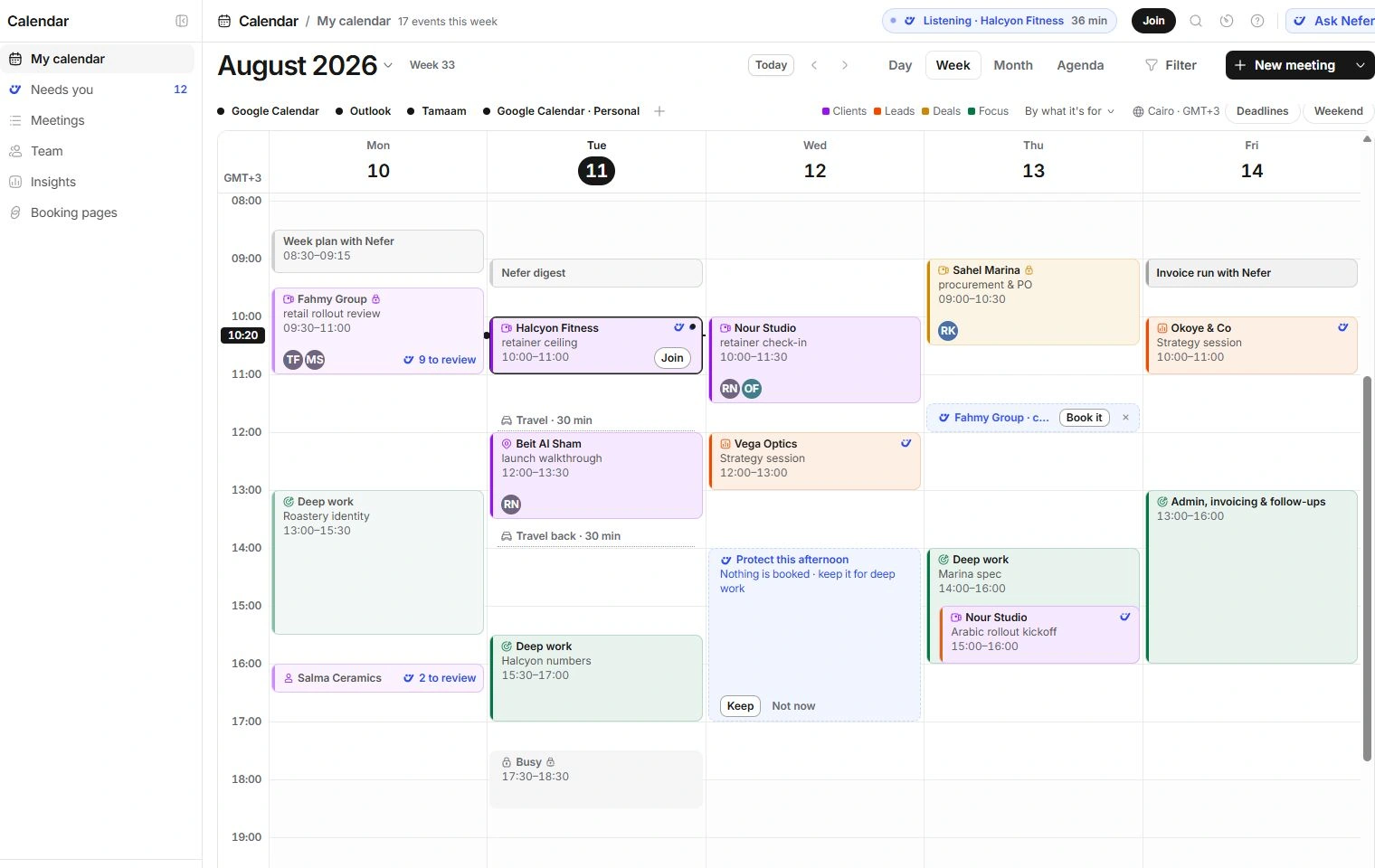
Compare like-for-like times
Read the Calendar’s zone label. The current studio interface uses Cairo time, while booking visitors and offered availability can display another city. Compare the date as well as the clock time when converting zones.
A booking page’s hours, date exceptions, notice, buffers, duration and booking window can all remove an apparently free slot. Review them before changing the calendar event itself.
Check whether you can edit
Open the event and read Calendar and its access label. A read-only imported meeting cannot be moved from Tamaam; make the correction in its source. A Busy-only event intentionally hides private context.
For a repeating meeting, check whether your edit applies to one occurrence or a broader series. A focus conflict can be a real scheduling issue even when the two entries are on different calendars.
Recover without duplicate work
- Use Undo if you just moved or changed the wrong meeting.
- Do not create a second event just because the source is hidden or still unavailable.
- For booking issues, give the page name, intended date, time zone and rule you expected to apply.
- For event issues, include the title, source, local time, visible warning and checks performed. Keep guest addresses and transcript contents out of public feedback.
Need a clarification? Tell us what you were trying to do below.
Was this article helpful?
Need help with your workspace?
A support request lets the team reply to you directly.
Get help with this article