
An answer needs correcting
Correct the context or reasoning behind an answer and give specific feedback.
On this page
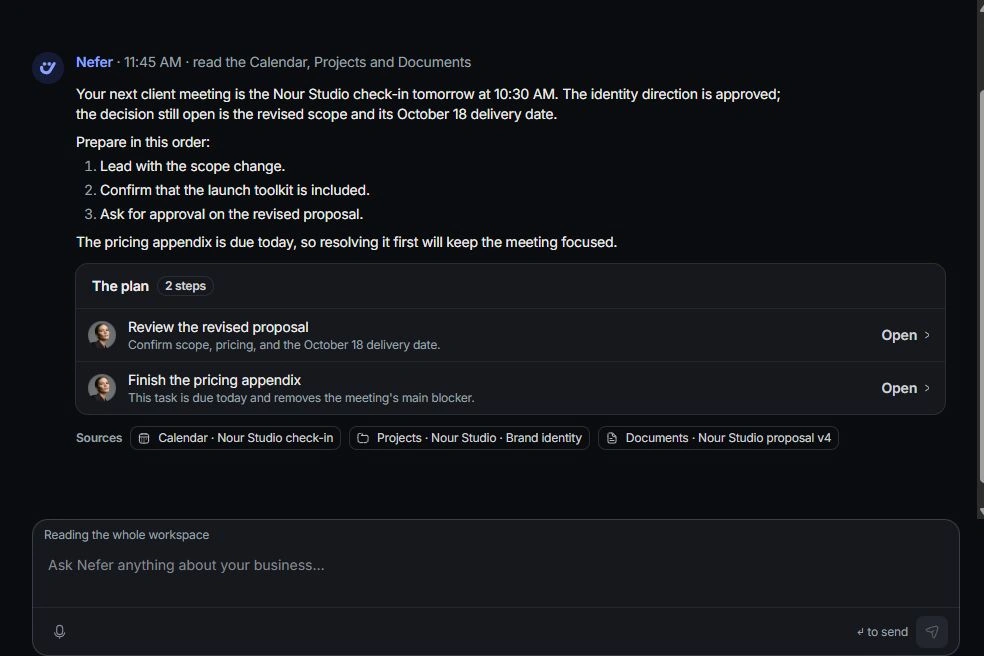
Check the question and sources
Read your question, the selected context and the answer’s sources. Confirm the record, time period and meaning of each figure. A scope mismatch can explain an answer that appears wrong.
Use the response controls
Helpful and Not helpful record your assessment. Choose Nefer is wrong when the answer needs a correction; the composer starts a correction for you to complete.
Give the missing fact
Describe what is wrong and name the relevant source. Ask for a corrected answer with the intended client, project or period. Edit and ask again on your original message creates a new branch while preserving the earlier discussion.
Correct resulting work separately
If you already kept a proposal or draft, inspect that item and use its available Undo or editing controls. Feedback on an answer does not itself reverse a completed change. Contact support if an error keeps recurring with the correct sources.
Need a clarification? Tell us what you were trying to do below.
Was this article helpful?
Need help with your workspace?
A support request lets the team reply to you directly.
Get help with this article