
Draft project invoices
Prepare billing from the payment plan or eligible time and review it before sending.
On this page
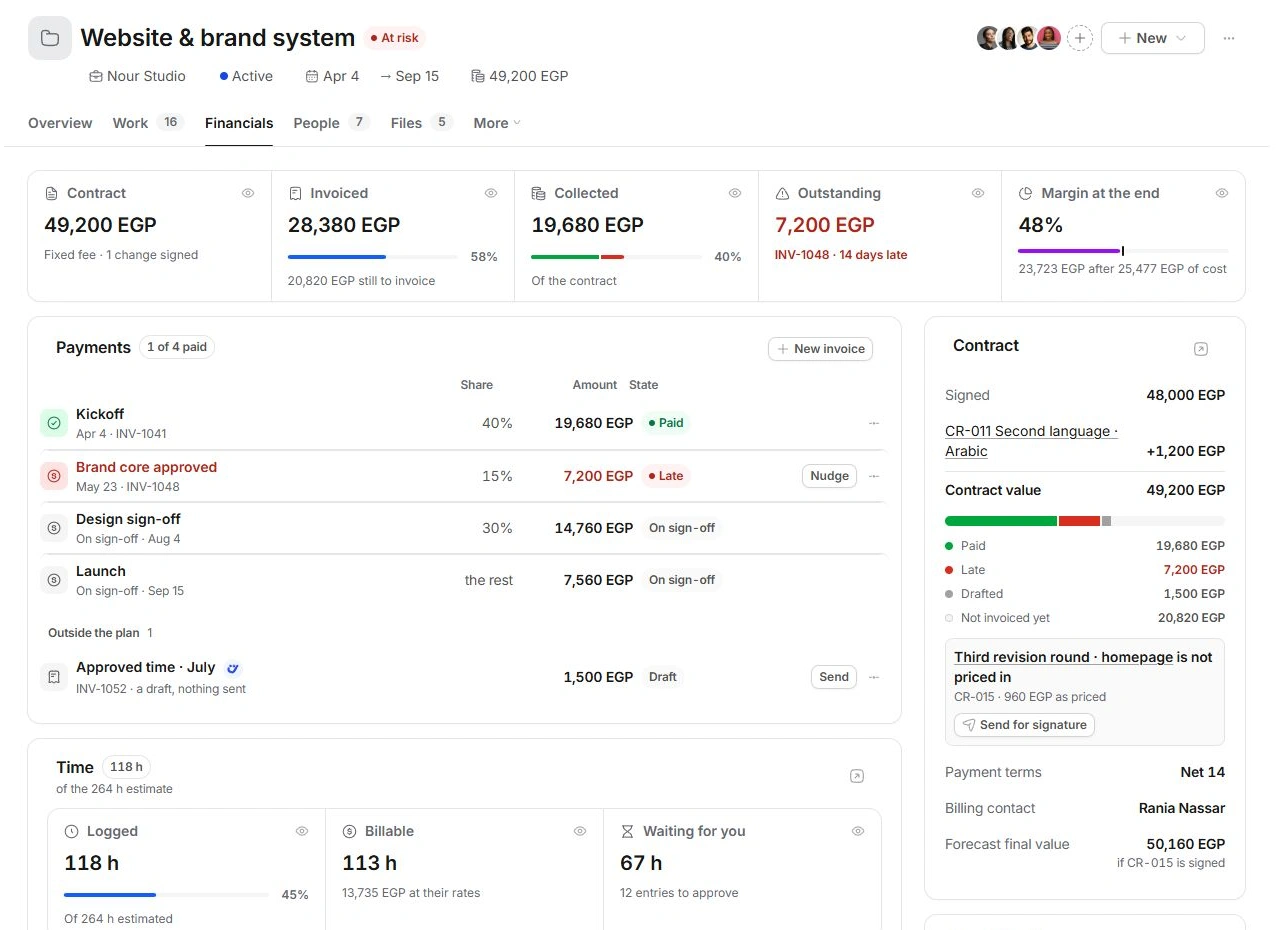
Start with the payment plan
Open Financials → Payments. Read each milestone's share, amount and state. On sign-off means the checkpoint has not yet reached the invoicing step. A paid or already-invoiced row should lead you to its invoice, rather than another draft.
Prepare the right draft
- Choose the billing source.
Use Draft invoice on a ready milestone, the draft action for approved unbilled time, or New invoice for a separately agreed charge.
- Review an existing draft first.
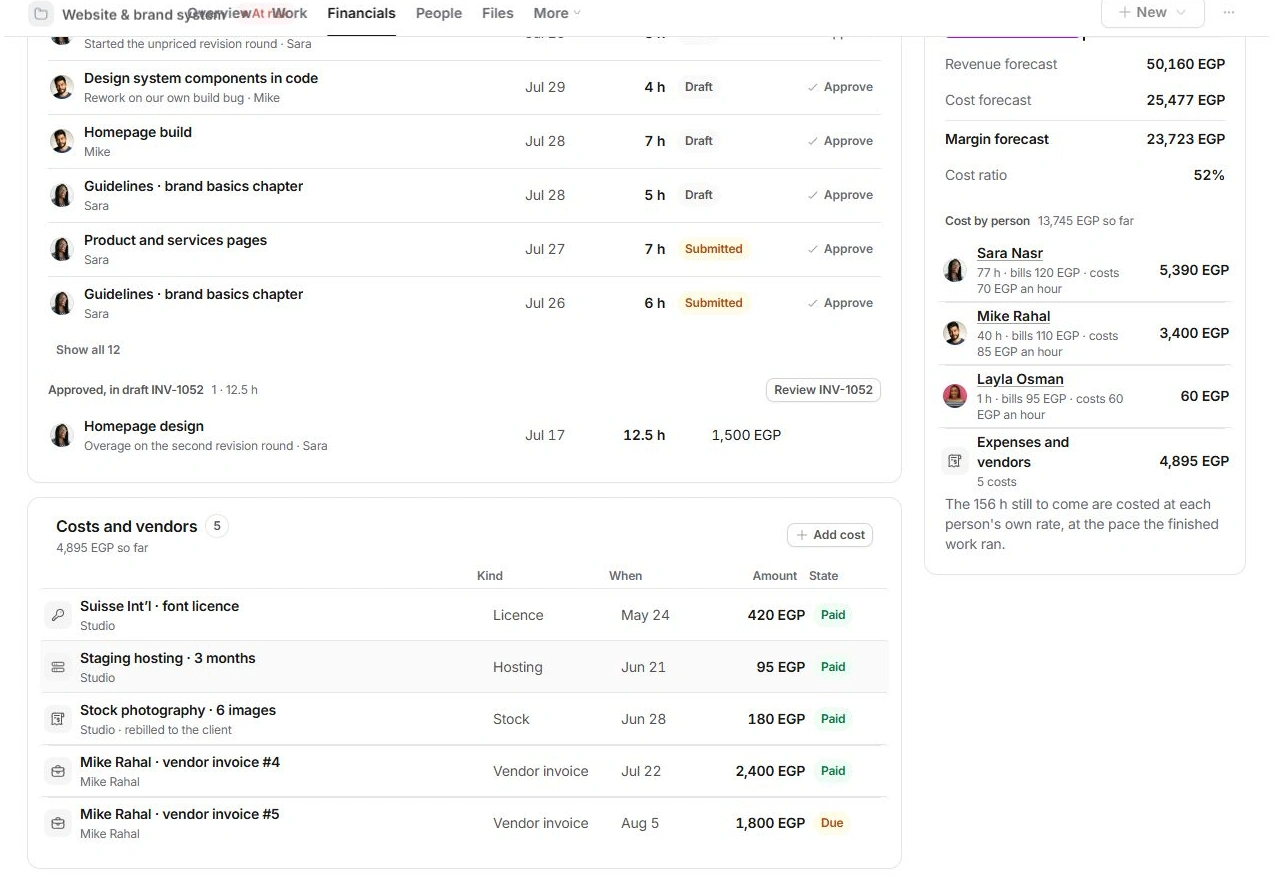
A draft outside the plan or a section labelled Approved, in draft already identifies work reserved for an invoice.
- Check the invoice.
Verify client, project, included work, amounts, currency, due date and payment terms in the invoice's own view.
- Keep review separate from sending.
Creating or opening a draft is a preparation step. Check the intended recipient and final contents before using the sending action.
Follow up on outstanding money
A Late row identifies an overdue invoice. Open its record to confirm payment history and due date. Nudge prepares a follow-up; inspect the resulting message in Inbox before sending it. Do not create a second invoice as a reminder.
When there is nothing eligible to draft
Check whether the milestone is signed off, time entries are approved and the work is already included in a draft or invoice. Review the project's billing type and signed scope. Invoice preparation does not record collection; payment belongs to the invoice's financial history.
Need a clarification? Tell us what you were trying to do below.
Was this article helpful?
Need help with your workspace?
A support request lets the team reply to you directly.
Get help with this article