
Create an invoice
Build a client invoice from ready-to-bill work and review the document before sending.
On this page
Open the invoice workflow
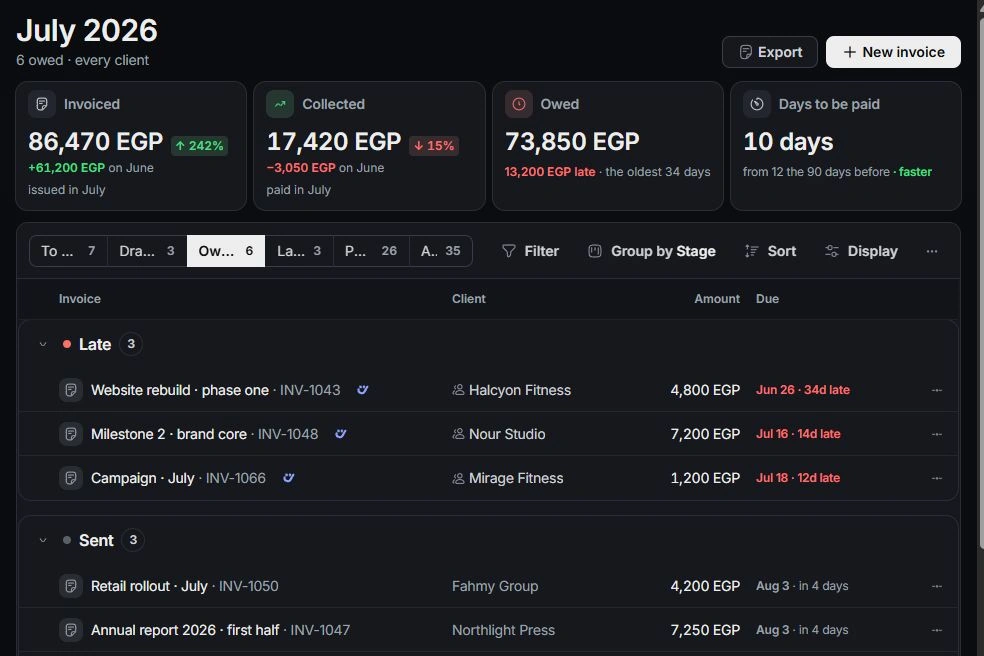
Open Finance → Invoices. Use To bill to start from ready work, or choose New invoice. Select the client and check the proposed lines, including approved time, project fees, retainers and rebillable costs.

Review every line
Tick the work that belongs on this invoice and leave other work for later. Add a line for an amount not covered by the available work. Check line descriptions, hours, rates and totals before continuing.
Set dates and terms
Review the invoice title, issue date, payment terms and due date. Project terms can differ from workspace defaults. Read the document preview to confirm the right client and the intended amount.
Keep a draft or continue to sending
Save the draft when it needs internal review. Open it again to edit before sending. Sending is a separate decision; after sending, use the invoice’s payment and reminder actions. Sent invoices use Void and redraft for a replacement rather than silent editing.
Need a clarification? Tell us what you were trying to do below.
Was this article helpful?
Need help with your workspace?
A support request lets the team reply to you directly.
Get help with this article