
Offer times and protect focus
Share specific openings, create temporary holds and reserve time for your own work.
On this page
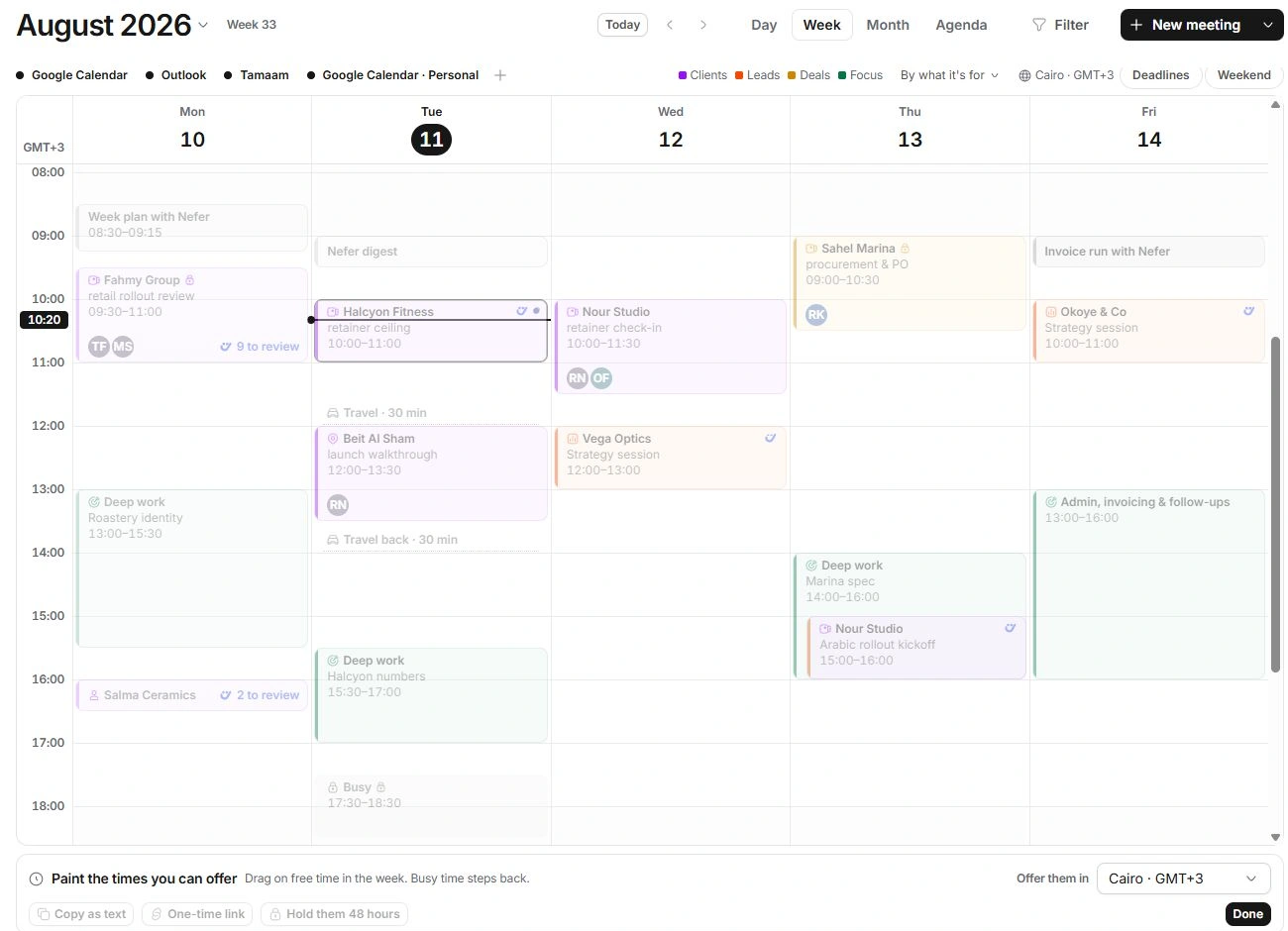
Select availability to offer
- Open the menu beside New meeting.
Choose Share availability. Calendar switches to selecting times in the week.
- Drag across free time.
The Times to offer tray gathers the selected slots. Busy periods are refused.
- Set Offer them in.
Choose the recipient’s display city. Read both their time and yours when they differ.
- Remove any mistaken slot.
Use its remove control before copying or holding the set.
Reserve focus time
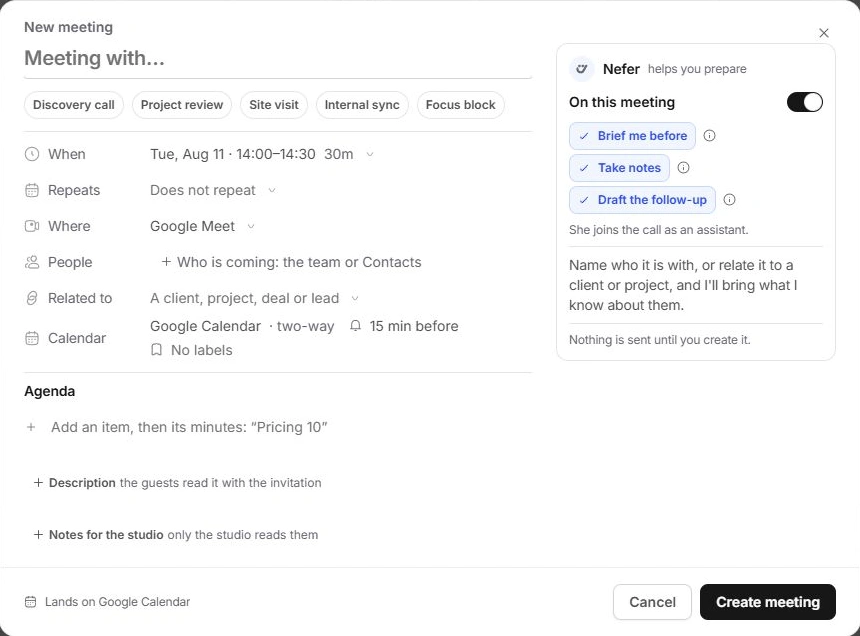
Use the same New meeting menu → Focus block, or choose Focus block inside the creation dialog. Check the title, date, start and duration. Focus time belongs to your schedule and should remain visible to availability calculations.
Nefer may show a dashed proposal to protect an afternoon. Review it and choose Keep only when you want it committed. A proposal is not a booked block until you accept it.
If times cannot be selected
- Check that you are in Share availability rather than ordinary event creation.
- Choose free time inside the visible week and review working-hour constraints.
- Remove a mistaken hold instead of deleting the underlying client meeting.
- Check the display zone before pasting times into a separate message.
Need a clarification? Tell us what you were trying to do below.
Was this article helpful?
Need help with your workspace?
A support request lets the team reply to you directly.
Get help with this article