
A connection needs attention
Identify the service and its specific connection state before reconnecting.
On this page
Open the owning connection settings
Use Inbox for the shared mailbox, Calendar for calendars and Finance for payment setup. Settings → Integrations gives an overview. Check the account and service name shown.
Read the current condition
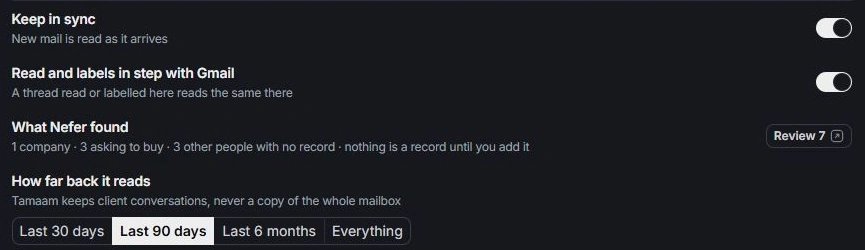
Distinguish disconnected, paused synchronization and hidden calendar sources. Check the selected date range for a missing meeting and the current Inbox view for a missing conversation.
Follow the relevant recovery action
Use the visible resume or reconnect action when appropriate. Review the account and permissions before approving a connection. Avoid connecting a different personal account just to clear an error.
Send a focused support request
Include the provider, owning module, visible state and when the issue started. Describe what you expected to appear and the checks you made. Exclude access tokens, passwords, authorization codes and private message content.
Need a clarification? Tell us what you were trying to do below.
Was this article helpful?
Need help with your workspace?
A support request lets the team reply to you directly.
Get help with this article