
Understand connected apps
Understand which settings show connection status and which module owns each connection.
On this page
Open Settings → Integrations
Review Mail and calendars, Money and Signing. Read the service name and state instead of assuming that an available Connect button means the service is already connected.
Use the owning module
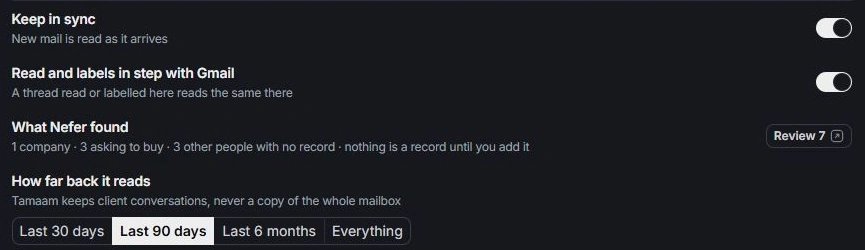
The shared mailbox is maintained through Inbox settings. Calendars are connected in Calendar. Invoice payment setup belongs to Finance. Follow the appropriate module for detailed connection and recovery controls.
Review the requested scope
Before connecting, check the account, workspace and permissions in the connection flow. Use the intended company mailbox or calendar rather than a personal account chosen by accident.
Verify the result
Return to the owning module and its status after completing a connection. Check the selected account, visibility and sync preferences. A connected service and a record’s own status answer different questions.
Need a clarification? Tell us what you were trying to do below.
Was this article helpful?
Need help with your workspace?
A support request lets the team reply to you directly.
Get help with this article