
Find a record
Find work by its name, type and context, then check views before assuming it is missing.
On this page
Start with workspace Search
Choose Search in the workspace rail, or press Command K on Mac / Control K on Windows. Enter a distinctive part of the name and inspect the result type, client or project before opening it.
Search within a module
Open the relevant module and use its search. Clear text left in the search field when returning to a broader view. A module search and a workspace search can have different scopes.
Check filters and completed work
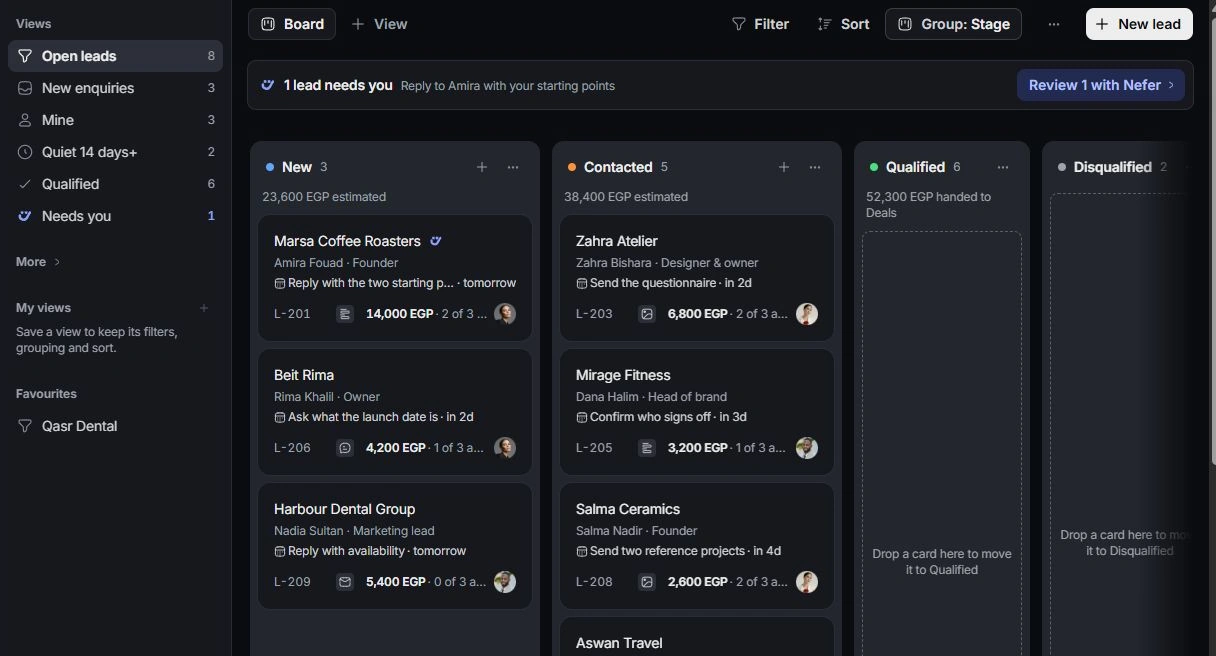
Review the active view, owner filters, grouping and search text. Look in completed, qualified, lost, archived or other relevant views. A stage change can remove a record from the current view without deleting it.
Check the workspace and access
Confirm the workspace and account. Ask an owner to review role and assignment if a colleague can open a record you cannot. Share a record identifier with support rather than creating a duplicate to bypass the problem.
Need a clarification? Tell us what you were trying to do below.
Was this article helpful?
Need help with your workspace?
A support request lets the team reply to you directly.
Get help with this article