
Move a lead to another stage
Change a lead’s stage without losing the follow-up or creating a duplicate deal.
On this page
Choose the intended lead
Open the lead record or locate its card on the board. Check the company and linked contact before moving it, especially when two enquiries have similar names.
Change the stage
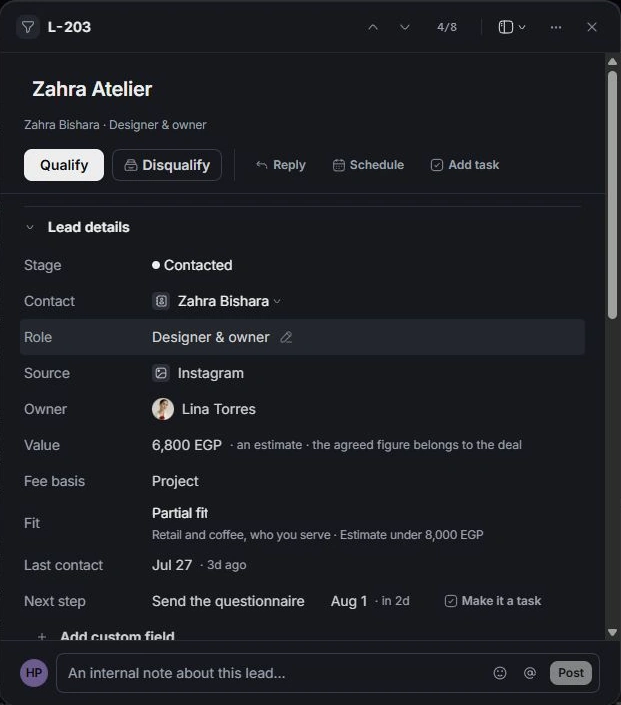
Use the stage control in the record or move the card into the desired board stage. New moves through Contacted before Qualified. If a move is blocked, follow the stage guidance instead of repeatedly dragging the card.
Understand completed decisions
Qualified is the lead’s completed commercial handoff point. Open deal starts the opportunity workflow; Go to the deal opens a deal already linked to that lead. Disqualified can reopen to New.
Confirm the result
Read the new stage and the change notification. The card may leave a filtered view. Reopen it from Qualified, Disqualified or Everything, and confirm that the next action still makes sense for the new stage.
Need a clarification? Tell us what you were trying to do below.
Was this article helpful?
Need help with your workspace?
A support request lets the team reply to you directly.
Get help with this article