
Find a missing client or contact
Check views, engagement, record type and associations before recreating anything.
On this page
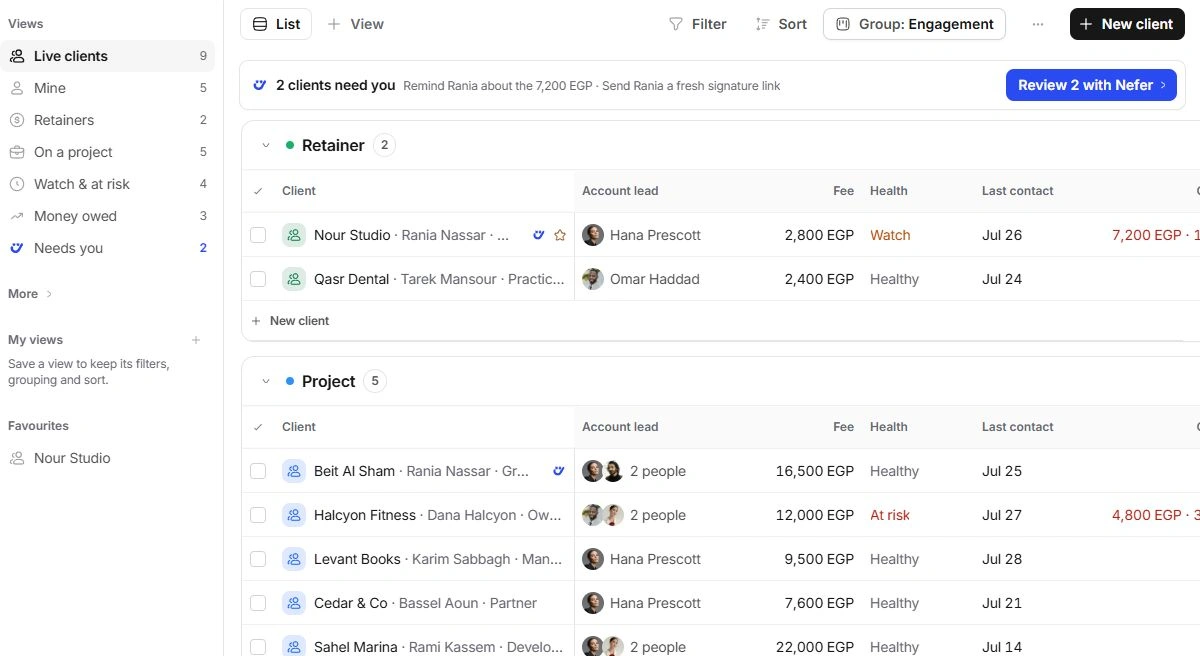
Find a client account
- Clear Clients search and filters.
Expand folded engagement groups.
- Open More → Everything.
Check Dormant for a relationship that is no longer active.
- Search by company, contact or client code.
Distinguish similarly named accounts before editing.
- Check with the account lead.
Ask them to confirm the expected record and your access.
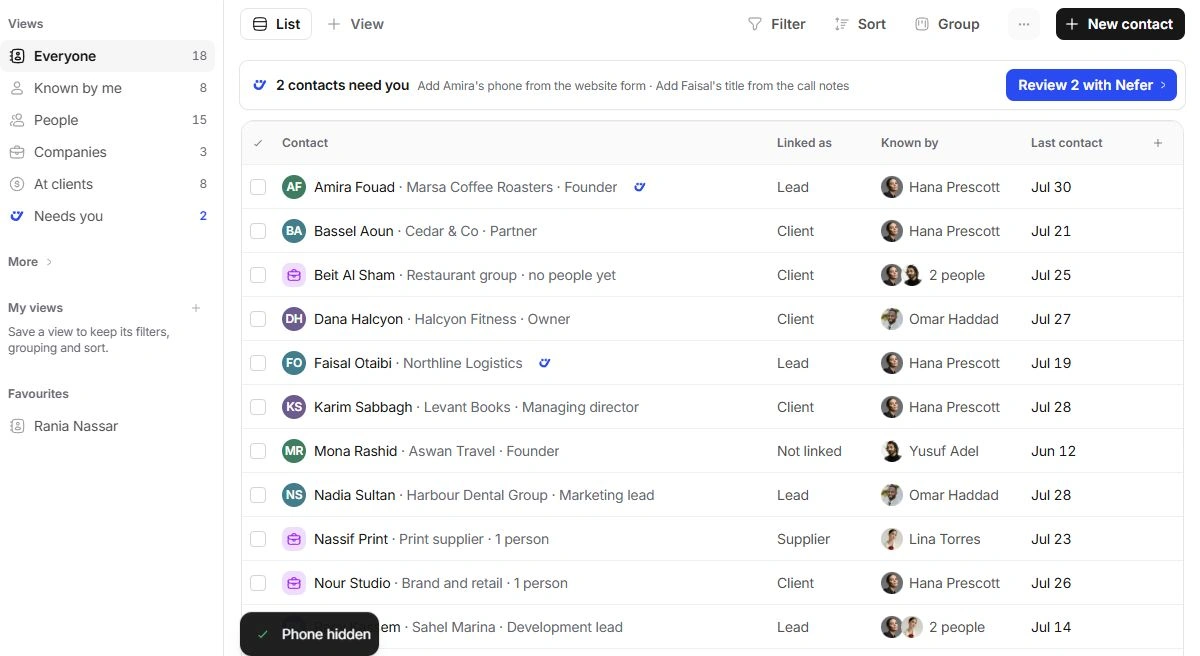
Find a person or company in Contacts
Choose Everyone rather than Known by me, People, Companies or At clients. Check More → Not linked and Suppliers & collaborators when appropriate. Clear Company and Linked as filters. A person appearing on a client’s People page might still need Add to Contacts.
If the record still cannot be found
Contact support with the module, record name or code, selected view and expected result. Mention the last action taken and whether colleagues can see it. Keep private emails, phone numbers, credentials and full client messages out of the initial request.
Need a clarification? Tell us what you were trying to do below.
Was this article helpful?
Need help with your workspace?
A support request lets the team reply to you directly.
Get help with this article