
Hand won work to a project
Set up the project, draft deposit, kickoff and brief from the won opportunity.
On this page
Prepare the deal
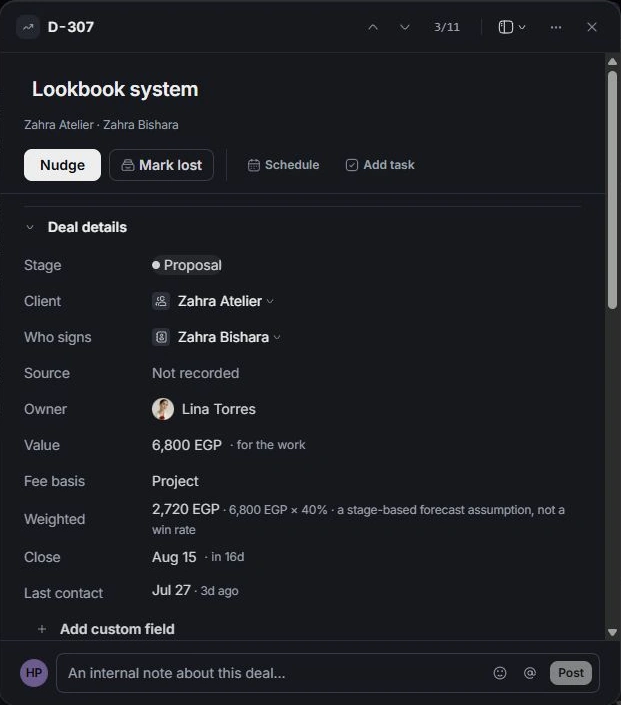
Open the won deal and reconcile its scope lines and value. Check the client and signing contact. If a project is already linked, open it before creating more work.
Review Set up the work
Choose Set up the work and name the project. Review the switches for scope-derived deliverables, deposit draft, available kickoff and brief-form message. Turn off the parts you do not need.
Check the deposit carefully
The handoff shows a deposit based on 40% of the deal. Review whether a linked document already invoiced or collected a deposit; the dialog identifies that situation so it is not billed twice. A prepared invoice still needs its own review in Finance.
Inspect each created item
Confirm Set up the work, then open the linked project. Review its deliverables and Financials, the kickoff in Calendar and the brief draft in Inbox. Check recipients and timing before sending a message. The handoff notification provides one Undo for the whole setup.
Need a clarification? Tell us what you were trying to do below.
Was this article helpful?
Need help with your workspace?
A support request lets the team reply to you directly.
Get help with this article