
Work with owners and teams
Give work a clear responsible person and understand how team membership differs from access.
On this page
Read the Owner field
Open the record and inspect Owner or its people control. Owners are responsible for progressing that work. More than one owner can be appropriate, but decide who will take the next action.
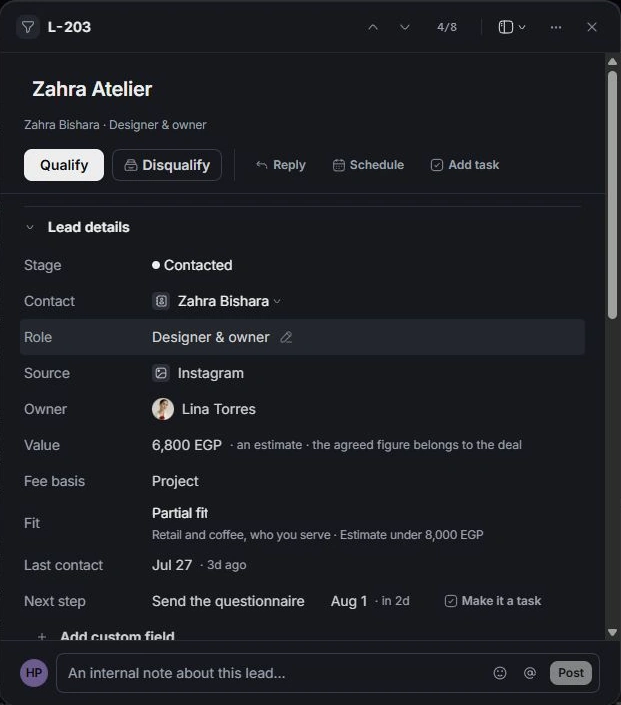
Assign the intended person
Choose the person from the owner picker, checking the name before confirming. Some records require at least one owner. Review the notification and the resulting field rather than assuming a selection changed the correct record.
Understand teams
Settings → Members → Teams shows how people are grouped. A person’s team follows their job title. A team label helps organize the workspace, while roles and record access determine what the person can open or change.
Complete a handover
Write the next step and its due date, then leave context in the record. Review any linked task or conversation assignment separately. Changing one record’s owner does not prove every related task or conversation was reassigned.
Need a clarification? Tell us what you were trying to do below.
Was this article helpful?
Need help with your workspace?
A support request lets the team reply to you directly.
Get help with this article