
Manage finance categories and settings
Manage invoice defaults, categories, rates, time rounding and planning goals in Finance settings.
On this page
Open Finance settings
Use the Finance settings entry in its sidebar, or Settings → Modules → Finance. Choose the relevant settings tab and read the explanation beside a control before changing it.
Review invoicing defaults
Check payment terms and Deposit on signing. Project-specific terms can take precedence. Review the reminder ladder: enabled steps prepare follow-ups for review; inspect the actual invoice and message before sending a reminder.
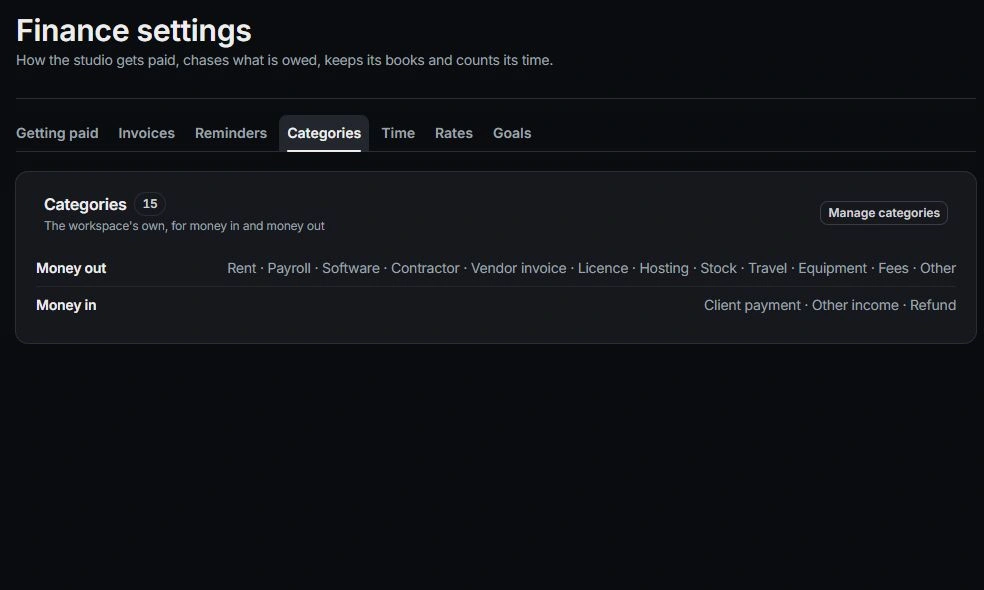
Manage categories and rates
Use Manage categories for Money in and Money out classifications. Keep category names distinct and consistent. Review billing and cost rates with an authorized owner; cost-rate access varies by role.
Check time and planning settings
Review Round time to, approval responsibilities and monthly goals. Goals count money collected rather than simply invoiced. Planning rules are adjustable business assumptions. After a change, inspect a representative invoice, time entry or scenario to understand its effect.
Need a clarification? Tell us what you were trying to do below.
Was this article helpful?
Need help with your workspace?
A support request lets the team reply to you directly.
Get help with this article